How fetch(keepalive) Broke in High-Latency Regions
So recently I built a so-called analytics service for fun. If you don’t know, make sure you check out here once. Alright, so I put the base MVP version for testing with my last article randomly.
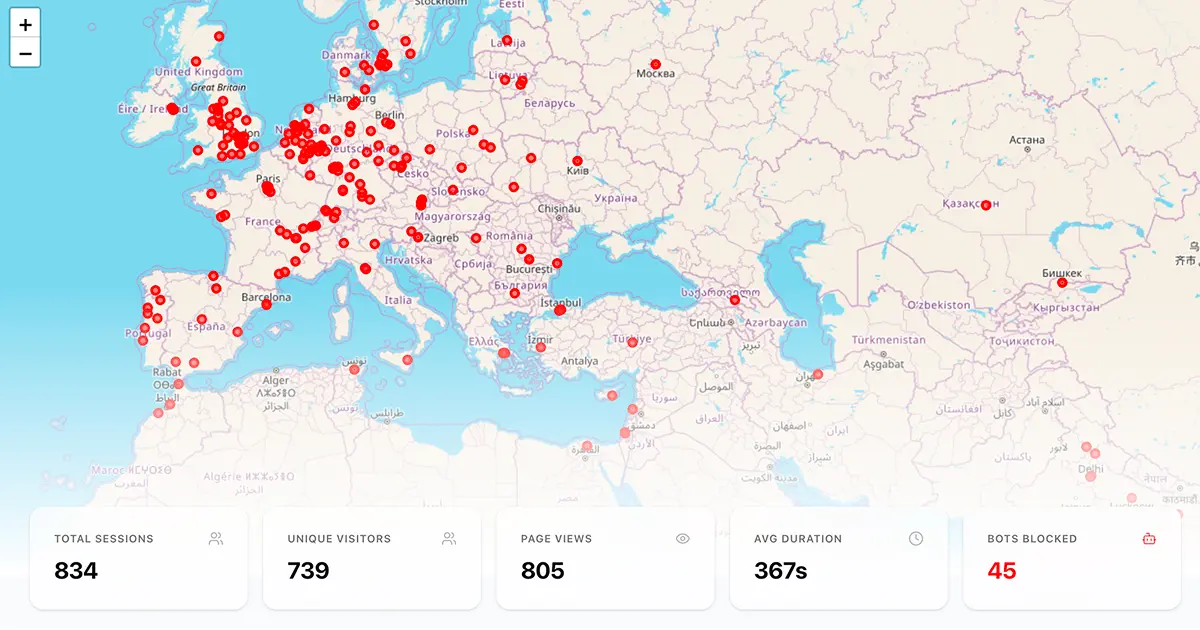
I thought, okay, let’s test how much data it can collect. I shared that article on Hacker News, Dev.to, WhatsApp, etc., around 10:30 AM. Everything was normal — the analytics dashboard started showing views, sessions, unique visitors, etc. I went for lunch in the afternoon, and when I came back, I saw a very big spike — almost 800 new sessions recorded. It looked like it was working crazy solid.
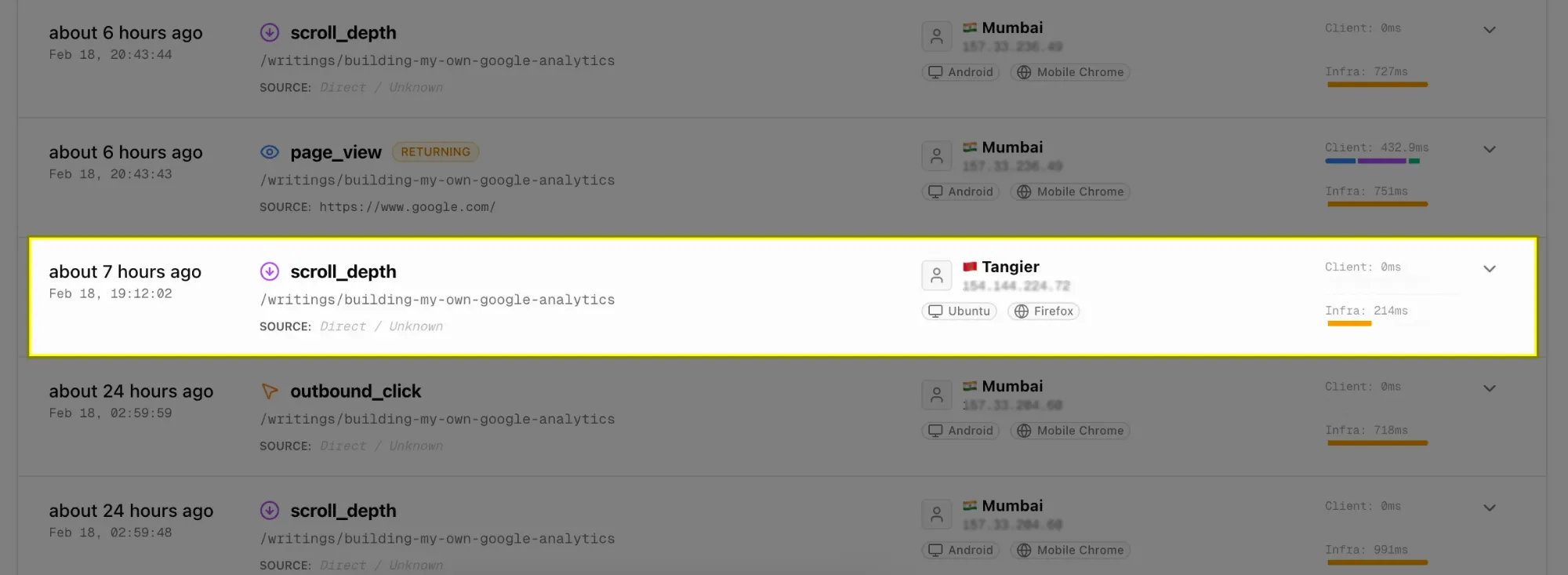
It was a nice serotonin hit until I saw the Activity Logs.
There were some scroll_depth requests from certain unique visitors, but the page_view request logs were completely missing for that visitor_id.
Something f**ked up.
If you haven’t realized yet what’s happening 😂, let me explain the logic first.
In the analytics service, when a new visitor lands on a webpage, a page_view event is called first, and then eventually scroll_depth happens (only if you love to scroll 🙂).
I found this bug because you always love scrolling, right 😉
Practically, the order should be:
(page_view → scroll_depth → and so on…)
This was happening majorly for some requests from the Europe/US region.
Even if it were a race condition, it would appear after the scroll event, but there was complete silence.
What could possibly go wrong?
Then I thought, let’s dry run what could be possible scenarios.
scroll_depthrequests are recorded but nopage_viewrecorded. There might be a chance sometimes a request fails due to network issues, etc. But still, that would be a rare case.- It could be CORS or some client-side extension blocking the request. But wait a second — if it’s blocking requests, then it should block all requests for a certain domain. Why only specific ones?
- If the
page_viewrequest is taking too much time, by then the visitor might trigger:
- pagehide: tab change.
- unload: back/forward buttons, reloads the page, or closes the browser window/tab.
- beforeunload: used to warn a user when they are about to leave a page, typically to prevent loss of unsaved data.
- visibilitychange: used to detect when a browser tab's content becomes visible or hidden.
This could be the culprit because fetch requests with keepalive: true have very little survival chance depending on the browser you use.
Then I found navigator.sendBeacon. It’s just a POST request — fire and forget — with a max payload size of 64KB, and it’s 99.99% more reliable than fetch (keepalive).
Ahh!! The problem seems solved!!
But wait a second… f**k!!
Previously, I was queueing requests (fetch requests) to record events in the order they happened and prevent race conditions. (Which is a very dumb solution I ever thought of.)
Now navigator.sendBeacon does not return any Promise like fetch(), so the queueing mechanism will not work.
Then I thought — why not reconstruct the request order on the backend and let race conditions happen on the client, because it’s not in our hands now.
How to reconstruct?
We need some sort of order number or timestamp going with the requests which the backend can identify and figure out the correct sequence. But still, I recommend using an order ID instead of a timestamp because JavaScript Date.now() is NOT monotonic.
Added one Redis layer for that.
// Frontend sends (in order):
T=0ms:   Event seq=0 → Network latency 150ms
T=10ms:  Event seq=1 → Network latency 50ms
T=20ms:  Event seq=2 → Network latency 100ms

// Backend receives (OUT OF ORDER):
T=60ms:  seq=1 arrives ❌ (should be second!)
T=120ms: seq=2 arrives ❌ (should be third!)
T=150ms: seq=0 arrives ❌ (should be first!)

// Redis buffer accumulates:
buffer = [seq=1, seq=2, seq=0]

// After 500ms timeout:
sorted = [seq=0, seq=1, seq=2] ✅
// Now correct order!
This overall issue was faced mostly with requests coming from high-latency regions only. That’s why request drops were more frequent there.
You might wonder why I didn’t batch events.
The issue is that multiple batches can still race with each other, so batching alone doesn’t fully solve ordering problems.
However, reconstructing order within batches on the backend would likely be more efficient. That’s something I plan to experiment with next.