Building lazy GIT terminal for myself
One of the most fundamental question why I built git-enhancer in first place when git is already there. I've been using git and github for more than 5 years now. In college days my seniors use to type git command in terminal to look cool, but when I tried it felt like nightmare remembering it. Also I was already spoiled by vs-code's version control tool and bcz of that i don't even use to touch terminal. And its okk according to me, haa haa !!
But it still give culprit feeling if you are coding infront of someone if they know you are so called software engineer.
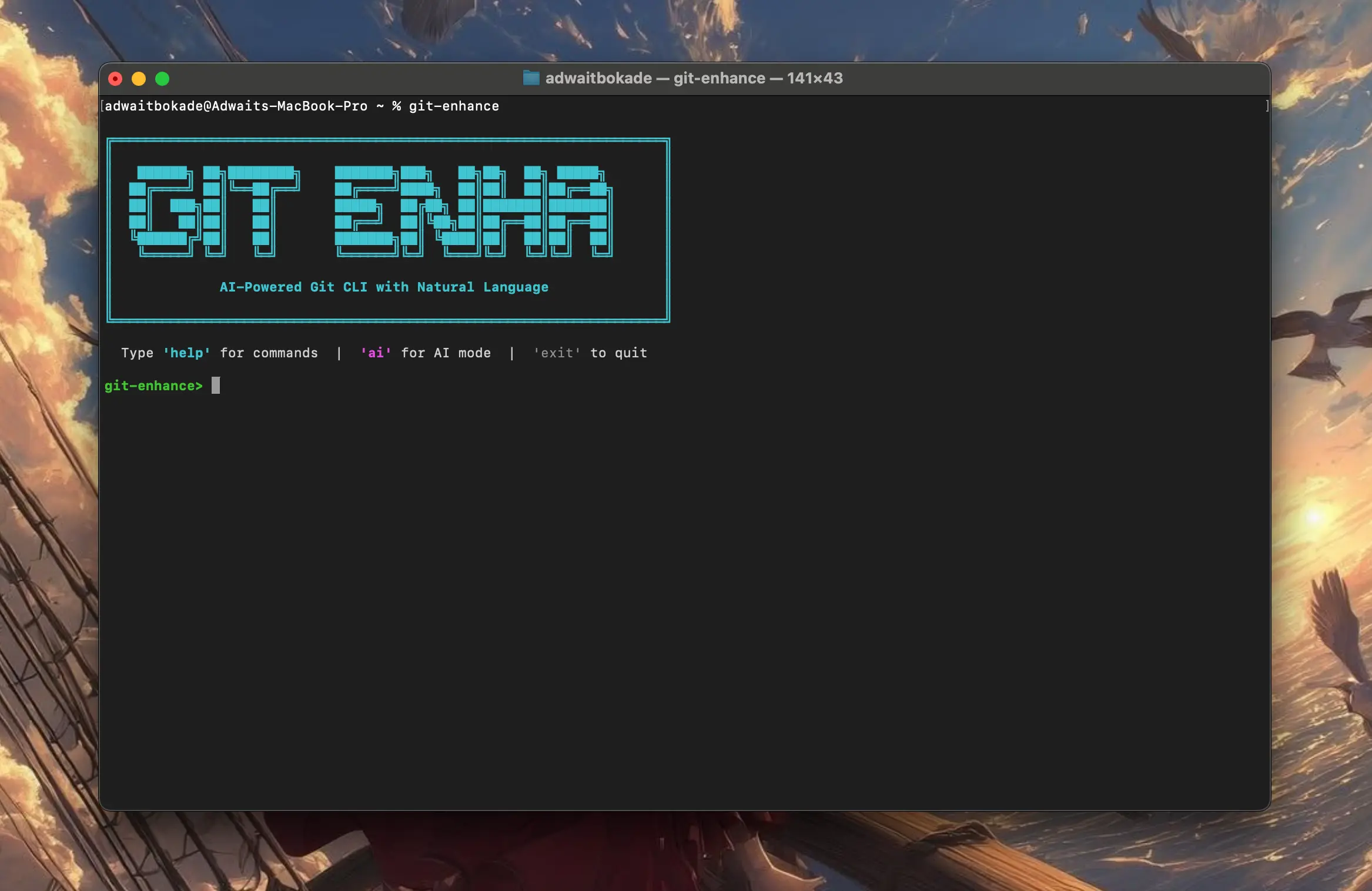
Introducing git-enhance an advanced cli tool. Cli because it looks cool infront of others 😎 . Still I managed to bring it between GUI version of vs-code and actual git terminal.
vs-code source control → git-enhance ← actual git
BTW its built with git internally 🫠 but using this will give you "he is flying" moment from f1.
Cool if you have read until now you definitely want to try.
Install
macOS (one-liner):
curl -L https://github.com/adwait12345/git-enhance/releases/download/1.01/git-enhance-macos -o git-enhance && chmod +x git-enhance && sudo mv git-enhance /usr/local/bin/
Linux:
curl -L https://github.com/adwait12345/git-enhance/releases/download/1.01/git-enhance-macos -o git-enhance && chmod +x git-enhance && sudo mv git-enhance /usr/local/bin/
Windows:
Invoke-WebRequest -Uri "https://github.com/adwait12345/git-enhance/releases/download/1.01/git-enhance-win.exe" -OutFile "git-enhance.exe"
npm (if you're into that):
npm install -g git-enhance
Or grab binaries from releases.
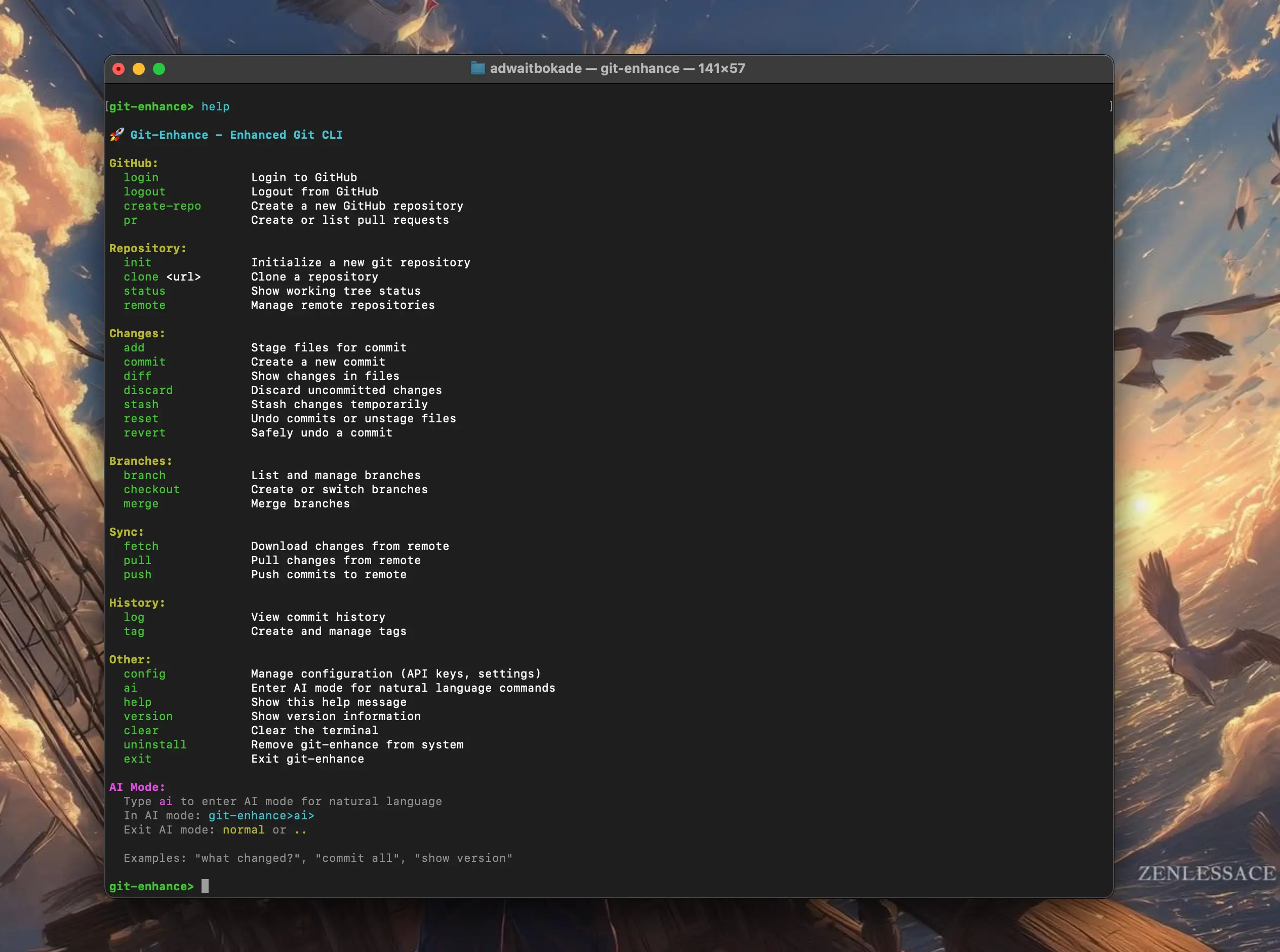
Here are some built in commands which you can use. Its completely same as git and you will save time of writing git. Just kidding guys
- you can login into your Github directly from cli.
- create repository
- create pr (Pull requst)
- merge pr
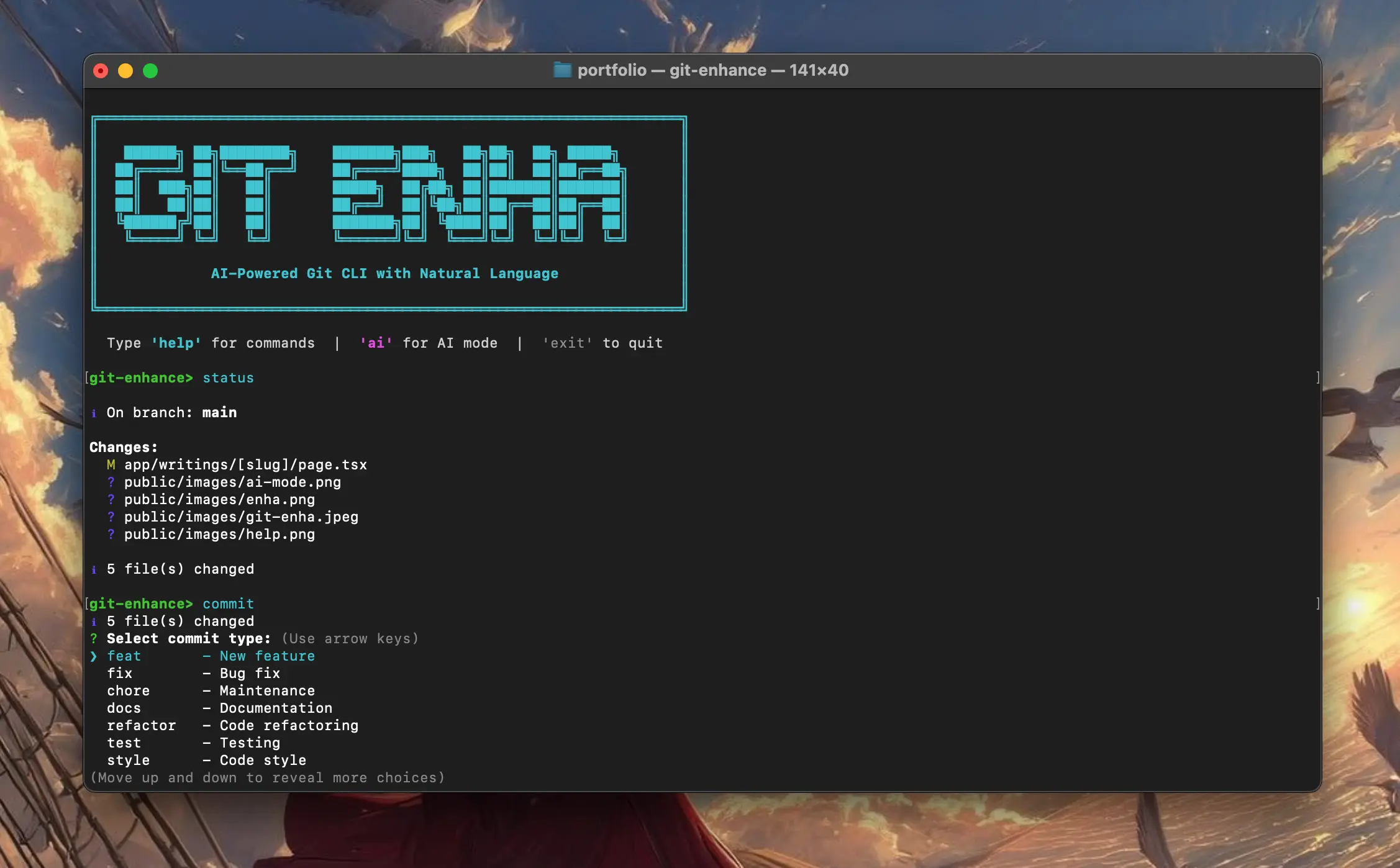
I work at a company That's why I have to maintain code standards while commits, so i thought to include commit flags on the go. Just select and you are good to go !!
Then I thought if I've got that lazy why not even more 🙃
Introducing AI Mode another llm shit. But have to say it came pretty handy though.
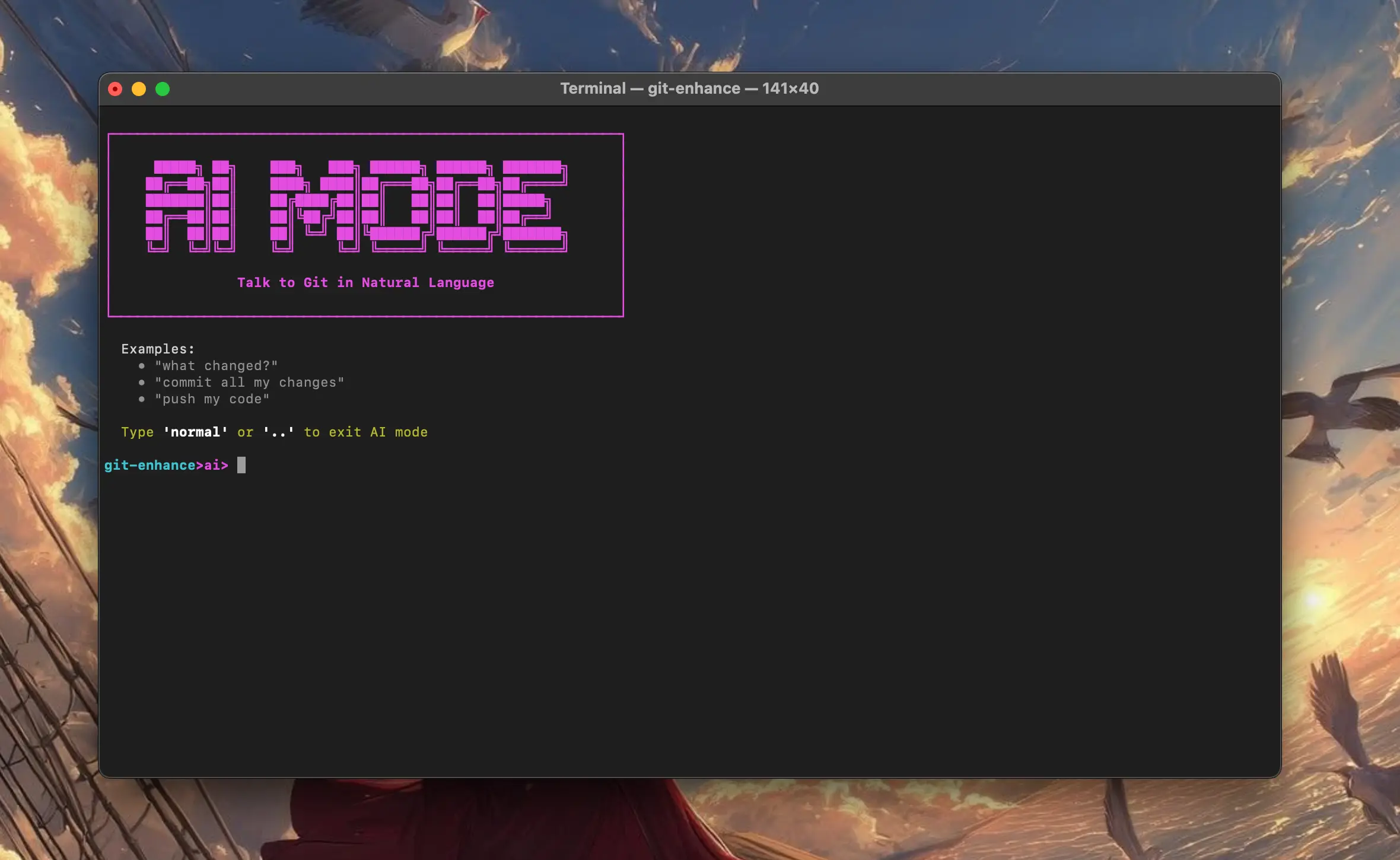
It can commit and push all the changes in just one prompt → save my work or commit and push, etc. Whatever you want to say, any language doesn't matter.
You can use ai mode on almost all git operations and save your pretty useless time thanks to me. To use ai mode you need gemini api key which you can get here which is free to use.
config set geminiApiKey YOUR_KEY
That's pretty much of it. You can find detailed docs here.